Agipix (Simulation) — Quick Guide
Use this page to set up the AgiSIM digital twin workflow and run parity experiments before real flights.
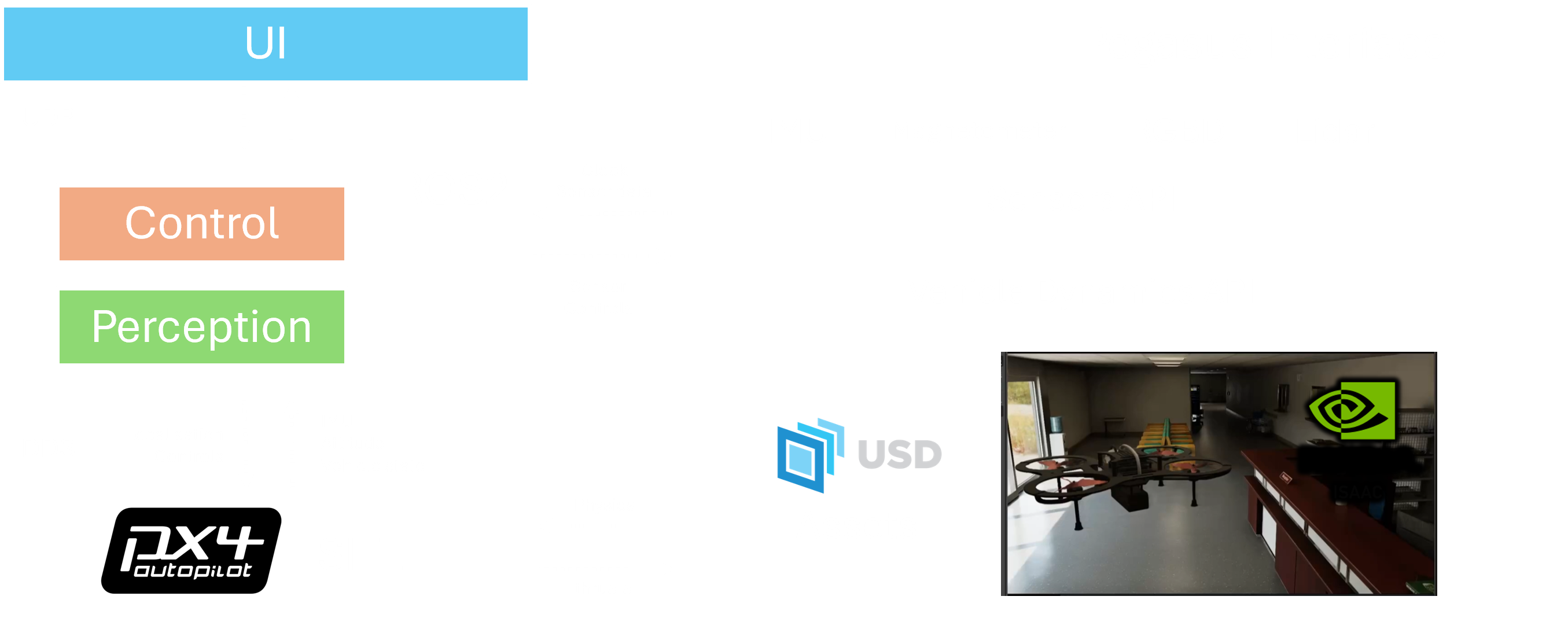
Simulation Setup
- Host: Ubuntu 20.04/22.04 with NVIDIA GPU drivers.
- Install ROS 2 Humble and NVIDIA Isaac Sim.
- Enable ROS 2 bridge extension and configure PX4 SITL + DDS.
- Keep the same containerized stack used on hardware for sim-to-real parity.
Read: Docker Build and Simulation Setup
Run the Simulation
- Start Isaac Sim (first launch can take a while) and ensure the ROS 2 bridge is active.
- In the container/session, build and run the control stack; follow the provided tmux panes.
- Connect visualization via Foxglove at ws://localhost:8765 (see details in the setup doc).
Quadrotor Simulation of 3D mapping of cluttered environment in IsaacSIM using PX4 and ROS2 - Agipix
Next steps
- Continue to Autonomy Quick Guide
- Continue to UI Quick Guide
- Going to hardware: Real Robot Quick Guide